
The simplest point-of-sale and accounting system to run your business successfully
Complete management of sales and purchases, customers, suppliers, expenses, cash and bank accounts, with detailed reports for all of them.
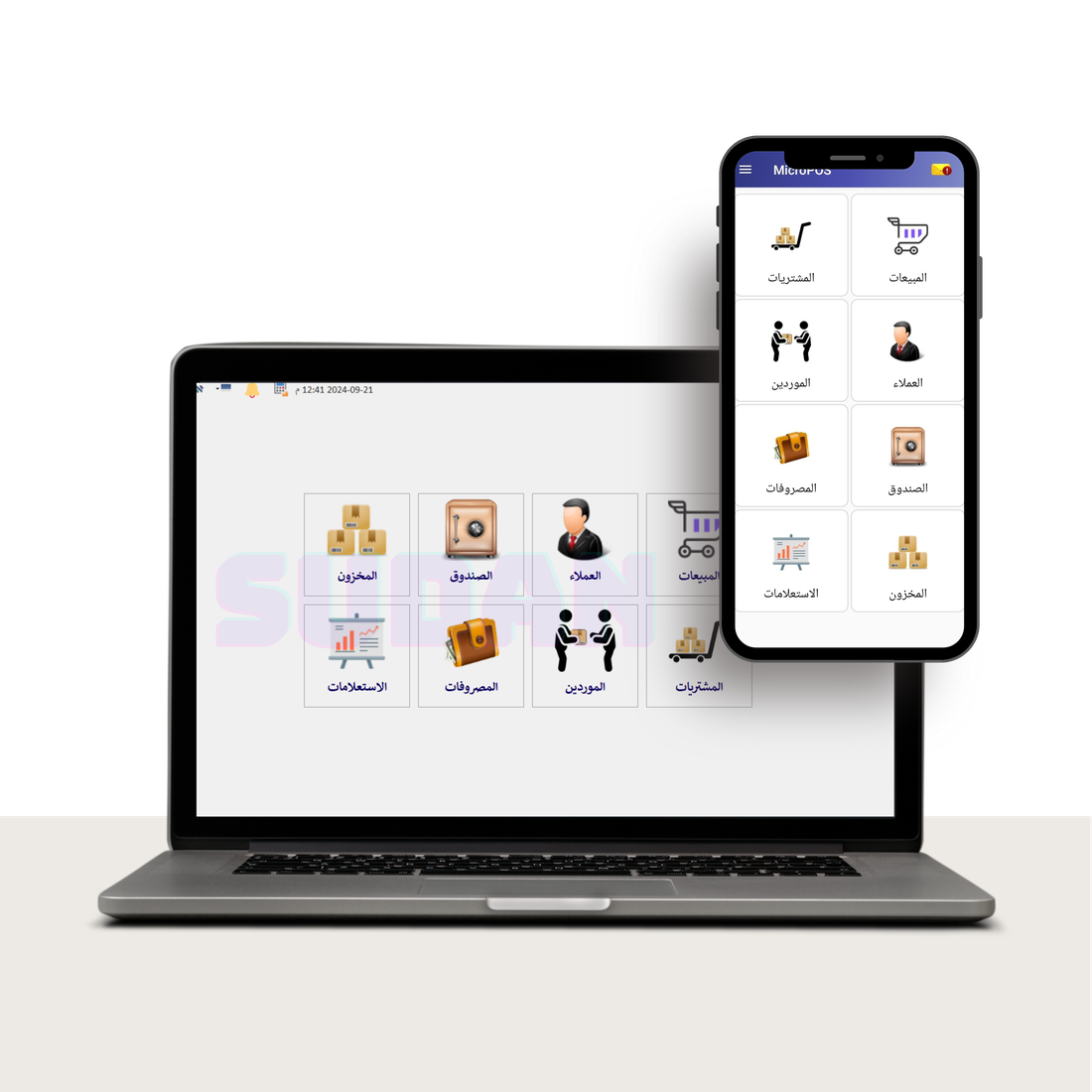
Problems that stop your sales, and their solutions with MicroPos
Essential features, without extra complexity
Six functions cover your store's entire workflow, from issuing an invoice to closing the cash register.
Point-of-sale and checkout management
Very fast invoicing, barcode reader support and discounts.
Inventory and product control
Real-time stocktaking for every item, low-stock alerts and ongoing expiry-date tracking.
Accounting and profit reports
Daily and monthly sales reports, cash movements and accurate net profit figures that take out the guesswork.
Debt and customer management
Record supplier accounts, track customer debts, and manage receipts and payment vouchers in one place.
Full accessory compatibility
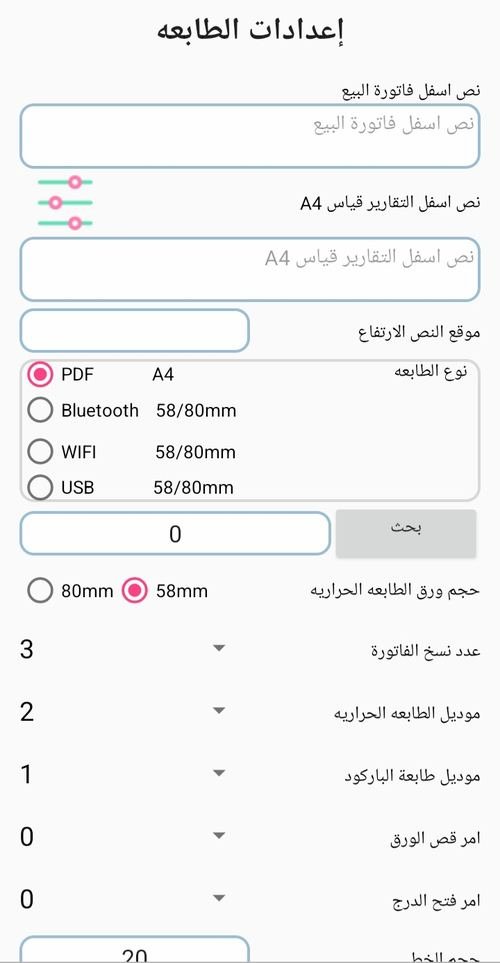
Direct connection to USB and Bluetooth receipt printers, cash drawers and barcode scales.
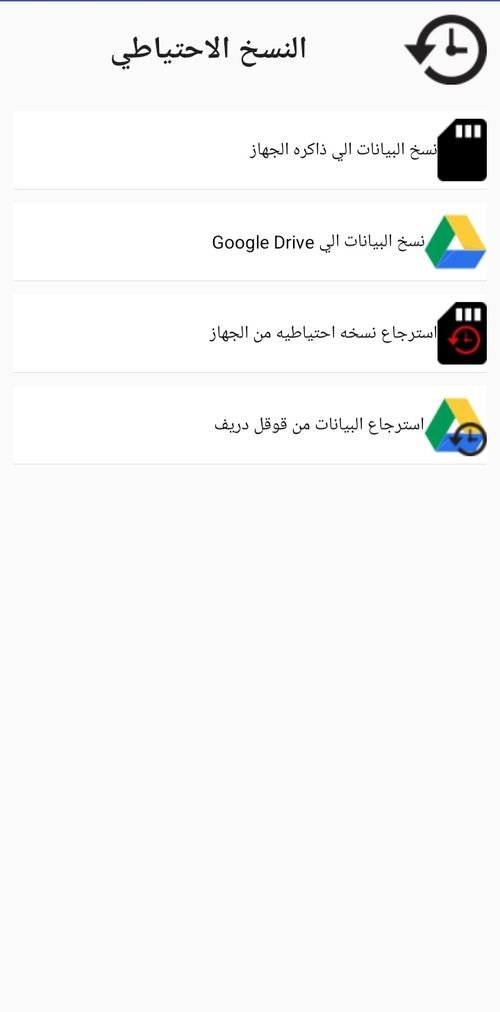
Multiple backup options
Save backups locally or upload them to the cloud to protect your database against sudden damage.
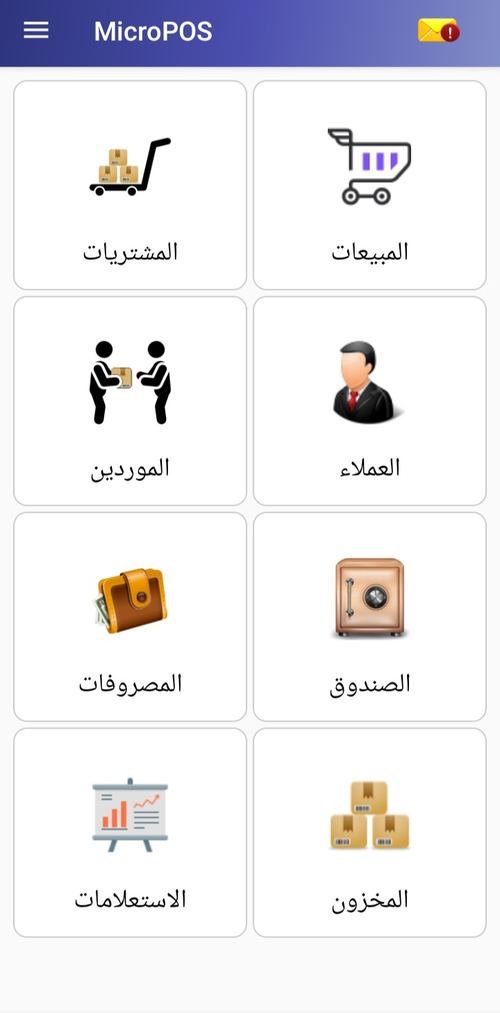
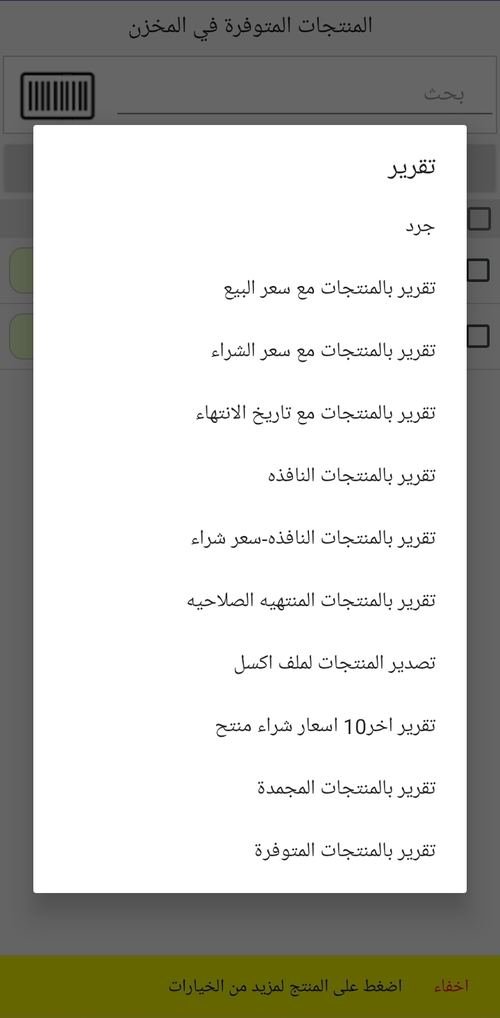
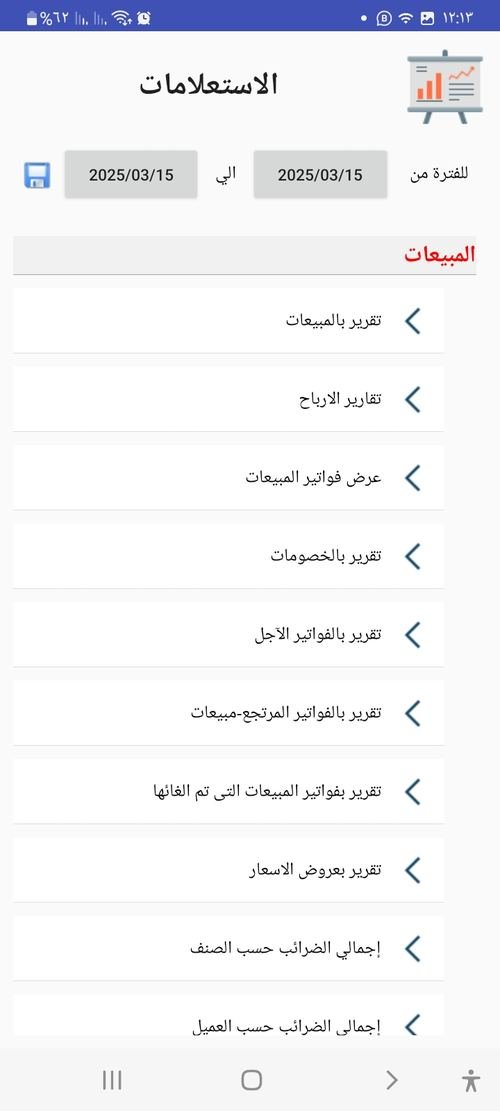
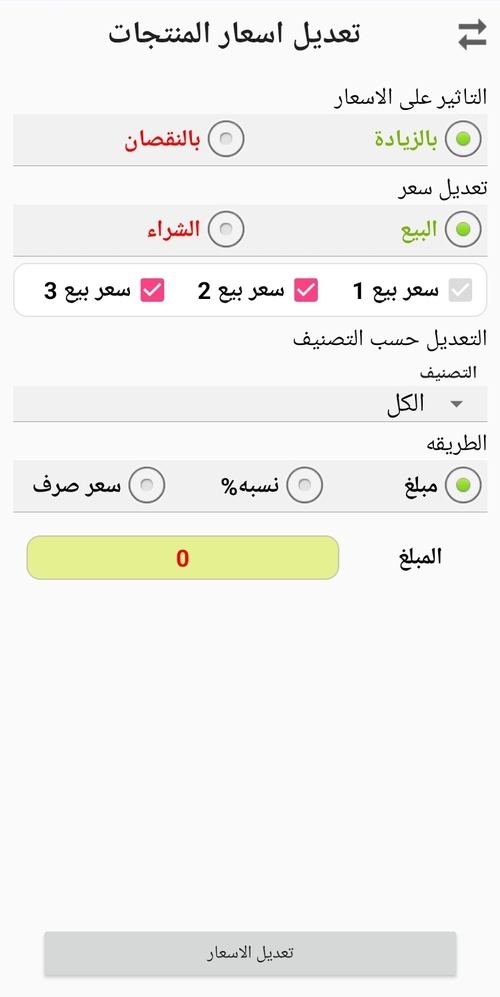
Real interfaces, from inside MicroPos itself
Explore the actual software screens before downloading it.
Learn the software step by step, for free
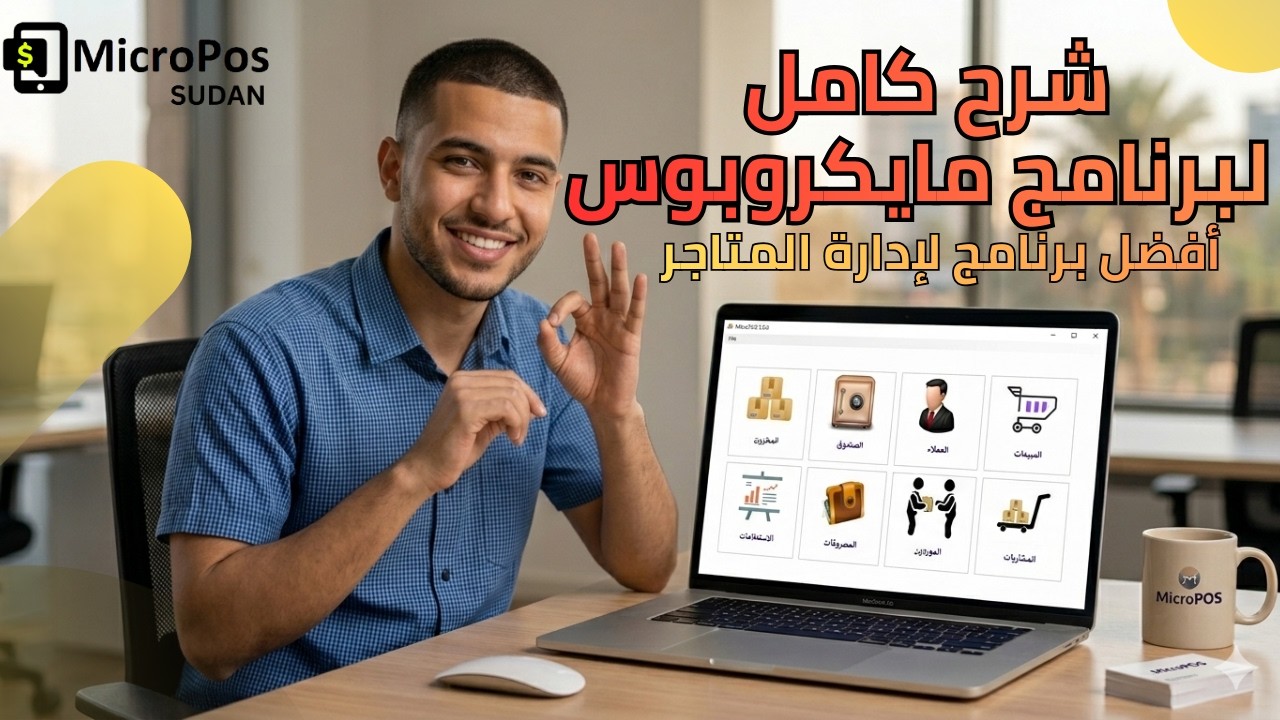
More than 300 video tutorials cover everything from activation to reports.
Real experiences from real users
"The software completely changed the way I work — I have never stopped because of an internet outage."
"WhatsApp support responds quickly, and any problem gets resolved the same day."
"The YouTube tutorials made it easy to train my staff at no extra cost."
Your guide to managing your store intelligently
How to choose the right checkout and inventory software for your store (the smart merchant's guide to comparison and evaluation)
5 common inventory and sales management mistakes that eat into your store's profits… and how to avoid them with MicroPos
The best checkout, sales and inventory software for shops and businesses: your comprehensive guide to organizing your business
Choose your version and start working in minutes
Desktop version (Windows)
Works on Windows 11 only — minimum device specifications: 8th-generation processor, 8 GB RAM and 512 GB SSD
- ✓ Direct installation file (.exe)
Mobile version (Android)
Android 8.0 or later — 400 MB of storage
- ✓ Directly through Google Play
One mobile plan and several desktop plans
Mobile activation
A one-time purchase with a lifetime subscription, with activation registered to your email address
- ✓ All features enabled
- ✓ A limited number of transactions
- ✓ Free technical support for the first year
Desktop subscriptions
Different subscriptions to suit all groups
- ✓ Unlimited invoices and sales
- ✓ Full support for all printers and barcode readers
- ✓ Direct technical support and ongoing updates
Payment methods: USDT, Bankak app